Imagine you're three hours into a five-hour holiday road trip visiting family when your daughter asks, "Can I use your work laptop to play Roblox?" It's the very device holding sensitive client info, financial data, and full access to your business operations. After the hectic packing and with hours still ahead, keeping her entertained sounds tempting. But what risks lie beneath that simple request?
Travel during the holidays increases your security vulnerabilities compared to your usual routine. Fatigue, distractions, connecting to unknown networks, and blending family time with "just a quick work check" can expose your data to threats. Whether on a business trip, personal getaway, or both, follow these crucial steps to safeguard your information without spoiling the festive spirit.
Pre-Trip Essentials: Your 15-Minute Security Tune-Up
Spend just 15 minutes before departure to fortify your devices:
Core device preparations:
- Apply all available security updates immediately
- Backup vital files securely to the cloud
- Set screen auto-lock to activate within two minutes
- Enable "Find My Device" features on phones and laptops
- Fully charge your portable power bank
- Pack your own charging cables and adapters to avoid last-minute scrambling
Family device guidelines:
- Clarify which devices are safe for your kids to use during the trip
- Provide a dedicated family tablet or secondary gadget for entertainment needs
- Set up a separate user profile on your work laptop if it must be shared with children
Pro tip: If kids need device time on the road, bring along an inexpensive tablet like a $150 iPad that doesn't connect to your work accounts. This small investment can prevent costly data breaches.
Beware Hotel WiFi: Protect Your Data from Hidden Dangers
Once settled, everyone jumps on the hotel WiFi—streaming, emailing, and browsing. Sounds convenient, but shared hotel networks are a hotspot for cyber threats since many guests use them simultaneously, and not all have noble intentions.
Real-life cautionary tale: A family connected to a fake hotel WiFi network set up near the parking lot unknowingly exposed all online activity, including passwords and credit card data, to hackers for two days.
How to stay secure on hotel WiFi:
- Confirm the network name. Always verify the exact WiFi name at the front desk instead of guessing.
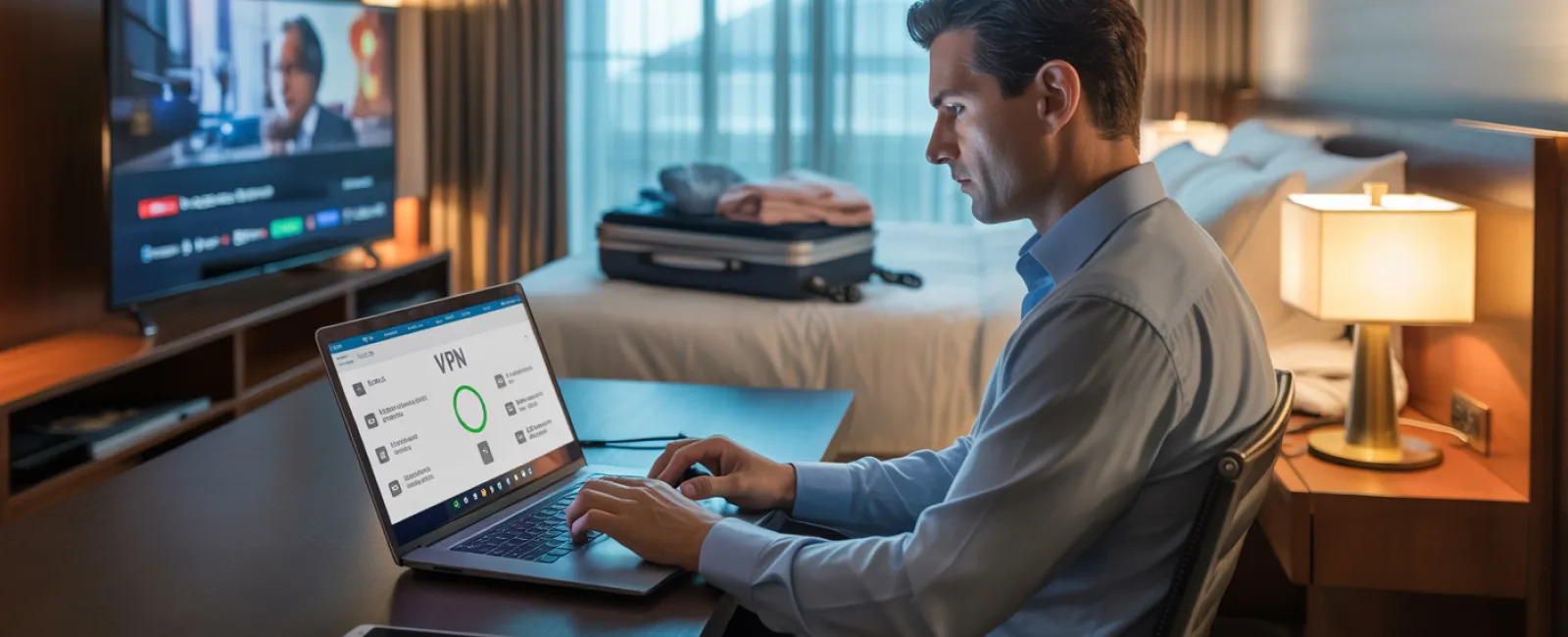
- Use a VPN for work. If accessing emails or sensitive company information, a VPN encrypts your data, keeping it safe.
- Use your phone's hotspot for sensitive tasks. For banking or confidential operations, rely on your mobile data instead of the hotel network.
- Separate work and leisure. Kids can stream on hotel WiFi, but restrict your work-related connectivity to your personal hotspot.
Handling The "Can I Use Your Laptop?" Dilemma
Your work laptop contains crucial access to emails, bank accounts, client data, and business tools. Kids wanting to watch YouTube or video chat poses hidden risks.
Why it's critical: Kids might inadvertently download harmful files, click on malicious pop-ups, share passwords, or leave accounts logged in. These innocent behaviors can create major security holes on your work device.
Recommended solutions:
Politely refuse access to your work computer and offer an alternative device consistently.
If sharing is unavoidable:
- Set up a restricted user profile
- Supervise device use closely
- Block downloads
- Ensure passwords are never saved
- Clear browsing history after their session
Better yet, bring a separate family device on the trip, like an older tablet or laptop without access to work accounts.
Streaming on Hotel TVs: Remember to Log Out
Watching Netflix on a hotel smart TV often requires logging in, but many forget to log out before checkout.
Risk: The next guest might access your account, and if credentials are reused elsewhere (please don't do this!), this can compromise multiple accounts.
Smart precautions:
- Use your own device and cast content to the TV for safer streaming
- If you log in on the TV, set a phone reminder to log out before you leave
- Best practice: download shows onto your devices to eliminate the need to use the hotel TV
Avoid logging into sensitive accounts on hotel TVs:
- Banking apps
- Work accounts
- Email
- Social media
- Any accounts with saved payment info
Lost Device? Act Fast to Minimize Damage
Holiday travel is hectic, and devices can easily be left behind or lost. If your device goes missing, respond immediately:
First hour actions:
- Use "Find My Device" to try locating it
- If recovery isn't possible quickly, remotely lock the device
- From another device, change passwords for critical accounts
- Contact IT or your MSP to revoke corporate system access
- Notify clients or partners if sensitive business data was on the device
Device must-haves prior to travel:
- Remote tracking enabled
- Strong, unique passwords
- Automatic encryption of data
- Remote wipe capabilities
If a family member loses their device, apply the same precautions promptly.
Rental Car Bluetooth: Protect Your Personal Data
Connecting your phone to a rental car's Bluetooth system can sync contacts, recent calls, and message previews — data often left behind for the next driver to access.
Quick 30-second steps before returning the car:
- Remove your phone from the car's Bluetooth settings
- Clear GPS recent destinations
- Or better yet, use an aux cable or avoid connecting altogether
Setting Boundaries During a "Working Vacation"
Trying to balance work and family on vacation leads to repeated email checks, unexpected calls, and more screen time amidst leisure activities.
This constant multitasking reduces your security awareness, increasing the chance of mistakes like clicking unsafe links or using public WiFi carelessly.
Here's how to create effective boundaries:
- Limit work email checks to twice a day at scheduled times
- Use your phone's hotspot for work tasks instead of hotel WiFi
- Work in private settings, avoiding public spaces where screens are visible
- Be fully engaged with your family when off the clock
Ultimately, the best security practice is to take a genuine break. Your business will thrive, and your alertness to threats will improve when rested.
Adopt a Security-First Mindset for Holiday Travel
Separating work and family time during travel isn't always neat or perfect. Sometimes your kids need your laptop; sometimes urgent emails can't wait while the car is moving.
The key is intentional risk management:
- Prepare your devices thoroughly before the trip
- Recognize which activities carry risk versus which are safer
- Keep work and family data separate whenever possible
- Have a clear plan for incidents
- Learn to say "Not on this device" firmly and consistently
Create Joyful Holiday Memories, Not Security Nightmares
The holidays are about sharing moments with loved ones — not handling data breaches or disappointing clients due to compromised information.
With a little preparation and simple safeguards, you can protect your business seamlessly while keeping your family's vacation joyful and stress-free. Everyone wins when security and celebration go hand-in-hand.
Need expert help crafting travel security protocols that work for your business and family? Click here or call us at 336-904-2445 to schedule your complimentary 15-Minute Discovery Call. We'll guide you in building effective, practical policies to safeguard your business without complicating travel.
Because the best holiday stories should be about laughter and warmth — not, "Remember when Dad's laptop got hacked?"