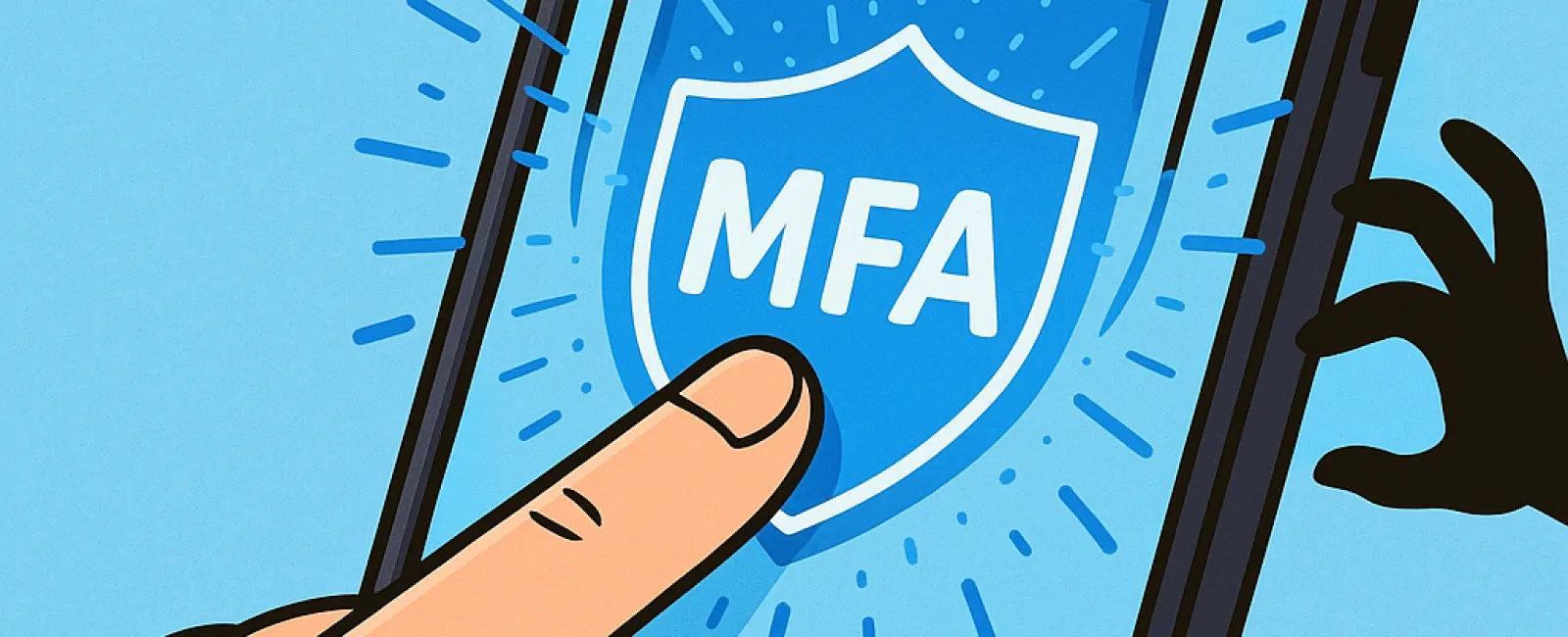
You wouldn't drive without buckling your seat belt, and you wouldn't leave your office unsecured overnight. So, why navigate the online world without multifactor authentication (MFA) in place?
MFA acts as a powerful second safeguard for your digital entry points. Instead of depending solely on a password—which can be stolen, guessed, or phished—it layers in additional protection like a text message code, an app-generated authentication prompt, or even a fingerprint scan. This means even if a hacker obtains your password, they can't get past the critical second verification step.
One Easy Step That Transforms Your Security
Think of your password as the lock on your front door, and MFA as the alarm system you activate before bed. While it might not be mandatory, wouldn't you prefer the peace of mind knowing your defenses have a backup?
That's precisely the value of MFA: a swift extra confirmation ensuring it's really you accessing your accounts. Known by terms like "two-step verification," "two-factor authentication," or "one-time password," MFA combines two or more verification steps before unlocking sensitive data.
MFA comes in multiple forms: confirmation emails during account creation, security questions used by banks, text-based codes, push notifications, and phone calls. Most of these require just a simple tap or quick code entry.
How MFA Protects You in Real-World Scenarios
Though MFA adds only seconds to your login process—just a click or code entry—it frustrates hackers immensely. If someone unauthorized tries to access your account, the system sends you a notification or requests a code, alerting you instantly to the breach. This early warning lets you update passwords before your data is compromised.
MFA also blocks hackers using stolen passwords. Even if someone manipulates an employee into handing over credentials, they can't gain entry without that extra verification. Microsoft's research shows MFA reduces account compromise risks by over 99.2%, rising to 99.99% with MFA enabled accounts.
Where to Enable MFA and How to Get Started
It's crucial to enable MFA on these critical platforms:
- Banking and financial applications
- Email and cloud storage services
- Social media accounts
- Work-related logins that contain client or proprietary data
Setting up MFA typically is straightforward. Many leading platforms come with built-in options—just enable your preferred method and integrate it into your daily routine. Using an authenticator app especially enhances the security of staff logins.
In sum, MFA is a fast, cost-free solution to stop most hacking attempts. Taking a few moments right now to activate it can save you from costly and time-consuming recovery efforts in the future.
The simplest way to get started is to reach out to your IT provider. A skilled MSP can ensure a seamless MFA setup. If you need cybersecurity assistance, click here or call us at 336-904-2445 to schedule a 15-Minute Discovery Call with our experts today.